You can fill in and sign a PDF on your PC with a desktop PDF editor: open the release form, type into the fields (or add text boxes if the form isn't fillable), place a drawn, typed or image signature, flatten the form so nobody can change the entries, then save and password-protect the signed copy. Doing it offline means your legal name, ID details and signature never pass through an online PDF website.
For creators, that last point is the whole reason to care. A model release or collaboration agreement links your stage name to your real identity, which is precisely the information you work hard to keep private.
Why sign release forms offline?
Free online "sign a PDF" sites are convenient, but you are uploading a document that may contain your legal name, date of birth, address, ID number and a copy of your signature. You rarely know how long the site keeps files, who can access them or where its servers are. If you have read our privacy checklist for staying anonymous, you will recognise the risk: every extra copy of your identity documents is another place it can leak from.
Signing on your own computer keeps the file in one place you control. You then decide how it is sent and who gets a copy.
What a creator release form usually contains
Release and collaboration paperwork varies between platforms, studios and agencies, but you will typically see:
- legal names and stage names of everyone involved;
- dates of birth and confirmation that everyone is an adult;
- ID document type and number, sometimes with a copy attached;
- consent to appear, the content covered and where it may be published;
- revenue split or payment terms for the collab;
- signatures and dates from each participant.
Platforms set their own requirements for co-performer paperwork, so always use the form they ask for. Our guides to collaborating with other creators safely and performer age and consent records in Europe explain why these records matter and how long you may need to keep them.
How do I fill in a PDF form that isn't fillable?
Some releases arrive as proper fillable forms; many are just a flat scan or a Word document saved as PDF. Here is how to handle both:
- Open the PDF in a desktop editor and check whether the fields are clickable.
- If they are, click each field and type. Tick boxes and dropdowns work the same way.
- If they are not, use auto-detect if your editor has it, which finds lines and boxes and turns them into fields. Otherwise add text boxes manually over each blank.
- Check spelling of legal names and ID numbers against the documents themselves. A typo in a release can cause problems with verification later.
- Save a working copy before you sign, in case you need to correct something.
How to sign a PDF on Windows
Most desktop editors give you three ways to sign:
| Method | How it works | Best for |
|---|---|---|
| Draw | Sign with a mouse, trackpad or pen tablet | A signature that looks like your handwritten one |
| Type | Type your name and choose a signature-style font | Speed and consistency |
| Image | Import a photo or scan of your signature on white paper | Matching an existing paper signature |
In England and Wales, the Law Commission concluded in 2019 that electronic signatures are generally valid where the signer intends to authenticate the document and any formalities, such as witnessing, are met. Other countries have their own rules, and a platform or agency can insist on a particular signing method, so follow their instructions. This is general information rather than legal advice.
Image signatures are not certificate signatures. A drawn, typed or image signature shows intent to sign, but it is not the same as a certificate-based digital signature that cryptographically proves who signed and that nothing changed afterwards. If a counterparty demands the latter, you will need a dedicated e-signature service.
Filling and signing with Easy PDFs
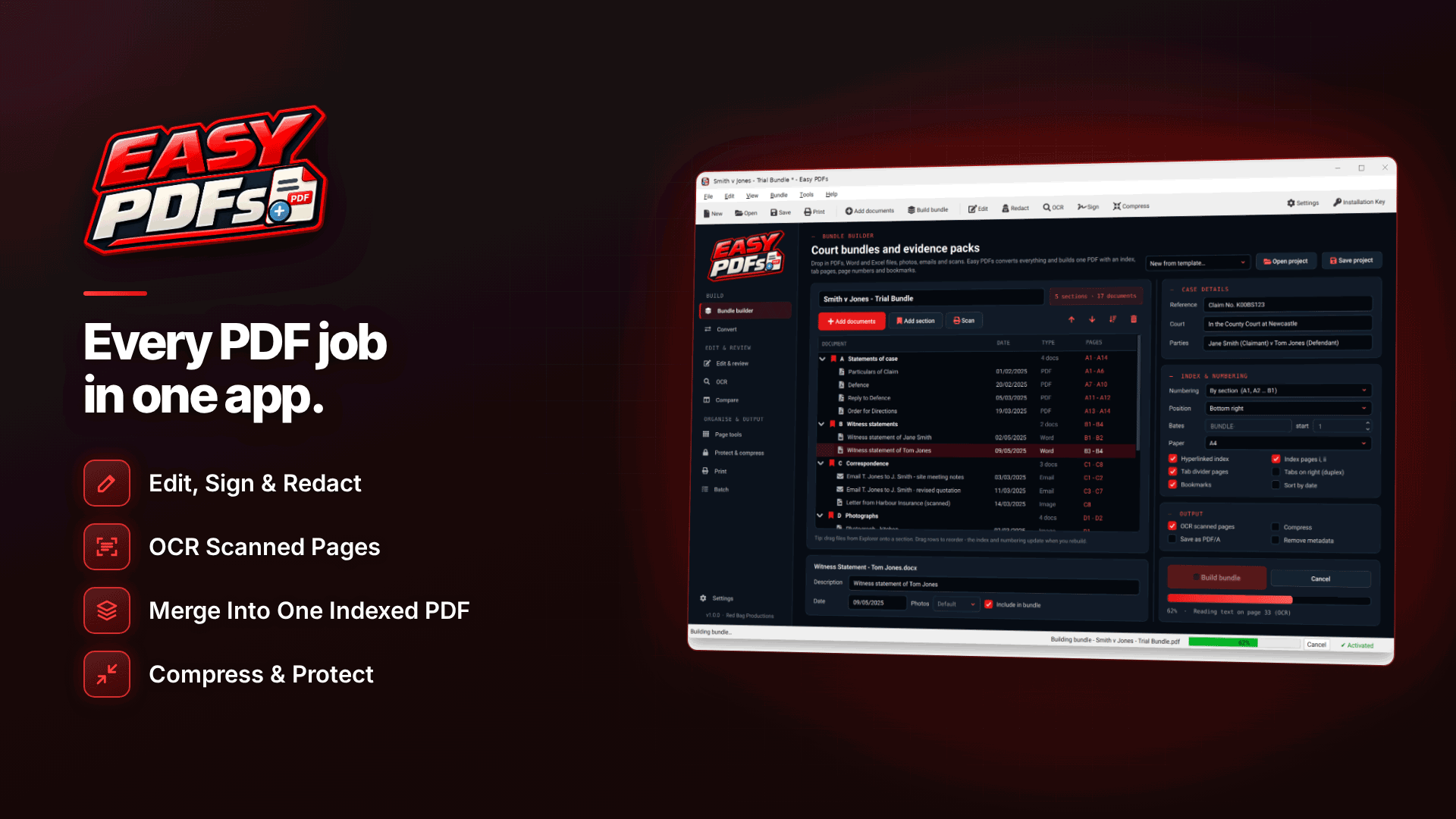
If you work on a Windows PC, Easy PDFs handles the whole job locally on 64-bit Windows 10 (version 1809 or later) or Windows 11. It can fill in existing forms, auto-detect fields on flat forms, and let you create your own fillable text boxes, checkboxes, dropdowns and signature boxes, which is handy if you want a reusable collab release template of your own.
For signing, you can draw, type or import an image of your signature, and save signatures and initials to reuse on the next form. Once everything is complete, flatten the form so the entries become part of the page and cannot be edited, then protect the file with an AES-256 password. Processing happens on your PC; the software only needs the internet for activation and update checks.
As noted above, these are drawn, typed or image signatures, not certificate-based digital signatures, so check what the other party expects.
How to password-protect a signed PDF
A signed release is a sensitive document. Before you send it:
- Flatten first, so nobody can quietly change a field after you sign.
- Add a strong password using AES-256 encryption, and share the password by a different channel from the file (for example, a phone call or a separate messaging app).
- Check the recipient can open it. Some older PDF readers cannot open AES-256 files; AES-128 is a fallback if needed.
- Keep your own copy in an encrypted folder, not loose on your desktop or in your downloads.
Common mistakes creators make with release forms
- Signing before every participant's details are complete.
- Sending unflattened forms that can still be edited.
- Emailing ID copies and releases unprotected to an address you have not verified.
- Keeping only one copy, on a phone that could be lost.
- Using your legal name in the file name. collab-release-2026-10-18.pdf is safer than a file named after you.
Frequently asked questions
Is a typed signature on a PDF legally binding?
In England and Wales an electronic signature, including a typed name, can generally be valid if you intend to sign and any formalities are met. Rules differ elsewhere, and some documents need witnesses or specific methods, so check with the other party or a lawyer.
Can I make my own fillable release form?
Yes. Create the document in Word, convert it to PDF, then add text fields, checkboxes and a signature box in a PDF editor. Have a lawyer review the wording before you rely on it.
What does flattening a PDF do?
Flattening merges form entries and signatures into the page itself, so they can no longer be edited as fields. It is a good last step before sending a signed document.
Next steps
Set up a private folder for releases, create a reusable template and get into the habit of flattening and encrypting every signed copy. For verification and record-keeping providers, browse our compliance and verification services directory. To fill, sign and protect your forms offline on Windows, try Easy PDFs.