How can I auto generate captions for videos in other languages? Record or narrate the video in the language your audience speaks, then run speech-to-text captioning in that same language, correct the lines and export them as SRT or VTT files or burn them into the picture. For translated captions you need a separate translation step; automatic captioning transcribes what is said, it does not translate it.
That distinction matters for European sites. A German, French or Spanish audience is best served by a video narrated in German, French or Spanish with matching captions, rather than an English video with machine-translated text. This guide covers why captions are worth the effort, how to produce them offline and which file format to use where.
Why captions matter for multilingual audiences
- Sound-off viewing. Many people watch social and mobile video muted; without captions, your message is lost.
- Accessibility. Captions make video usable for deaf and hard-of-hearing viewers.
- Comprehension. Even fluent speakers follow technical content more easily with text on screen.
- Search. A transcript on the page gives search engines text in the target language to work with.
Captioning is part of wider localisation work. If you are still deciding where to start, our guides to website localisation for European markets and which European language to add first help you prioritise.
Is there a legal angle?
The European Accessibility Act (Directive (EU) 2019/882) has applied since 28 June 2025 to specific products and services, including e-commerce and services that provide access to audiovisual media, with an exemption for microenterprises providing services. Whether it applies to you depends on what you sell and how; our guide to the European Accessibility Act for websites explains the scope. This is general information, not legal advice.
Transcription vs translation: get this right first
| Approach | How it works | Best for |
|---|---|---|
| Same-language captions | Speech-to-text in the language spoken in the video | Videos recorded or narrated in the target language |
| Translated subtitles | Captions transcribed in one language, then translated | Reusing one master video across markets |
| Re-voiced video | New narration recorded in each language, then captioned | High-value pages where quality matters most |
If you go down the translation route, quality control matters as much as it does for page copy; see our comparison of machine translation vs human translation for SEO.
Offline auto caption software: why keep it local?
Many captioning services work by uploading your video to a cloud server. That can be a problem if the video shows unreleased products, client dashboards, members' areas or anything covered by a confidentiality agreement. Local captioning avoids it: the audio is processed on your own PC and never leaves it.
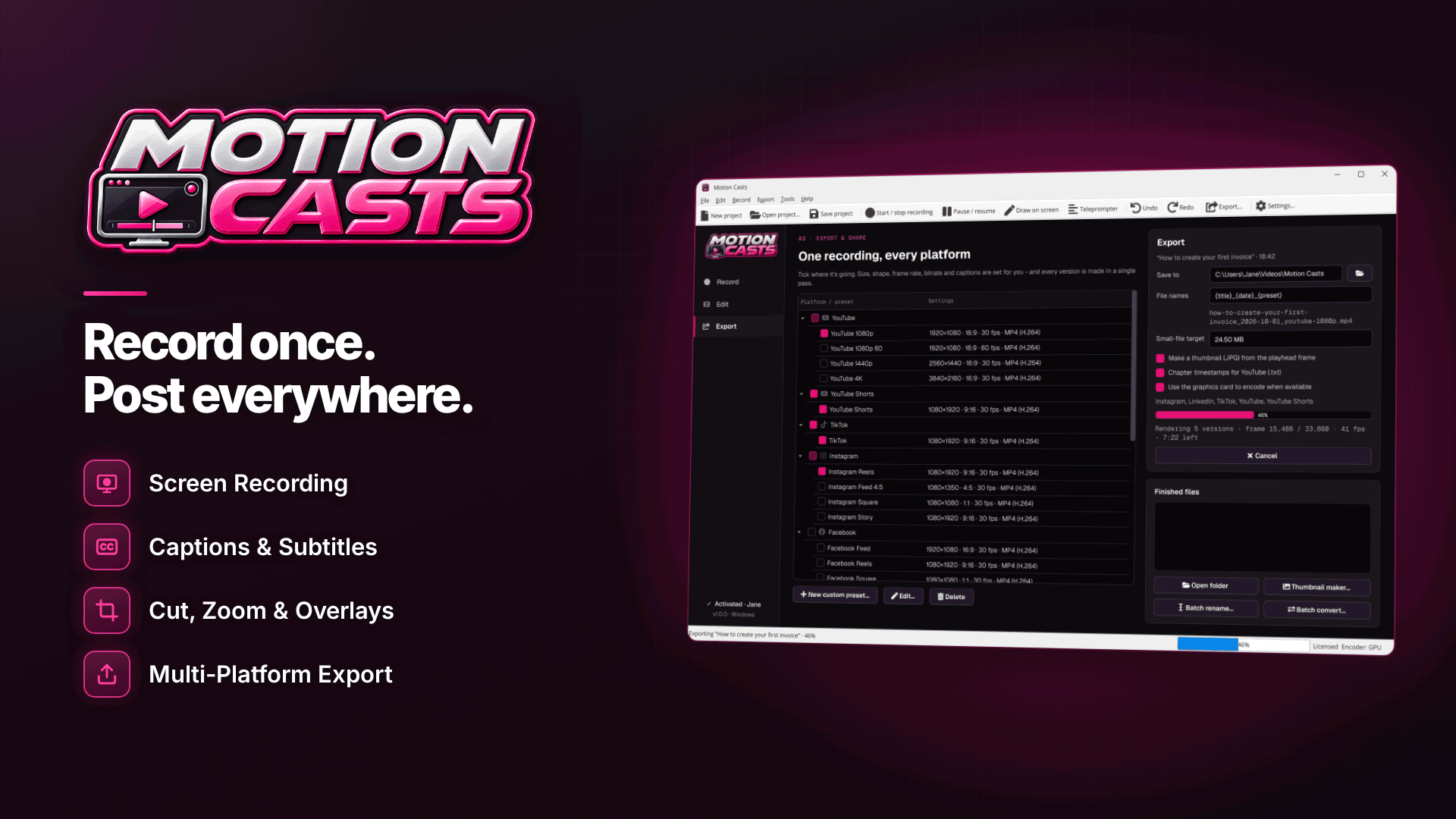
Motion Casts is a Windows 10 and 11 screen recorder and video editor that generates captions locally from your voice in 18 languages, with optional language detection and several accuracy models. Check that each language you need is on its list before you plan a series around it. Because captioning is speech-to-text in the spoken language, it suits a workflow where you, a colleague or a native-speaking freelancer narrates each language version.
How to generate an SRT file from a video, step by step
- Record or narrate in the target language. Capture your screen with a microphone track, or import existing footage into the editor. The hidden teleprompter helps a narrator read a translated script naturally without it appearing in the recording.
- Choose the caption language or let language detection pick it, and select an accuracy model. Higher-accuracy models are worth it for technical vocabulary.
- Generate captions. The captions appear on the editor's timeline alongside the waveform.
- Edit the lines. Correct brand names, product terms and anything the recogniser misheard. Ask a native speaker to check the final text if you do not speak the language well.
- Choose a style. Standard captions or bold word-by-word captions, which suit short social clips.
- Export. Burn the captions into the video, export SRT or VTT files, or do both.
Tip: keep a glossary of product names, place names and recurring terms for each language. Checking captions against it is much faster than proofreading every line from scratch.
Burn in captions or export VTT files?
| Format | What it is | Use it for |
|---|---|---|
| Burned-in | Text rendered permanently into the picture | Social clips, where players often ignore separate caption files |
| SRT | A simple, widely supported caption file | YouTube, Vimeo and most video editors |
| VTT (WebVTT) | The caption format used by HTML5 video players | Video embedded on your own website |
VTT captions for website video
For video on your own site, a separate VTT file per language is usually the better choice. Viewers can switch captions on or off, you can offer several languages on one video, and you can fix a typo by replacing a text file instead of re-exporting the whole video.
A worked example: one tutorial, three markets
As a hypothetical example, an affiliate site publishing a setup tutorial for German, French and Spanish visitors might:
- Record the screen once with no narration, using click highlights and automatic zooms.
- Have three native speakers record voice-overs from translated scripts.
- Generate and correct captions for each language version.
- Export a 16:9 version with a VTT file for each localised page, plus vertical clips with burned-in captions for social posts, using the multi-platform export presets.
How to make captions easy to read
Accurate text is only half the job. Captions also need to be comfortable to read at the speed people watch:
- Keep lines short. Two lines at most on screen, broken at natural phrase boundaries rather than mid-phrase.
- Allow enough reading time. German and French often run longer than English for the same idea, so a caption that fits comfortably in English may need splitting.
- Mind the safe area. On vertical social clips, keep burned-in text clear of the platform's buttons and description overlay.
- Use local punctuation conventions, such as the spaces French uses before some punctuation marks and the opening question and exclamation marks in Spanish.
- Stay consistent. Use one caption style per brand across all languages so the series looks deliberate.
Common mistakes
- Assuming captions translate. Automatic captioning transcribes; translation is a separate job.
- Publishing uncorrected captions. Recognition errors on brand or product names look careless to native speakers.
- Using the wrong regional variety. Austrian and Swiss German, Belgian and Swiss French, and Latin American and European Spanish differ in vocabulary.
- Burning in captions on website video, which stops viewers turning them off.
Frequently asked questions
Can I auto generate captions in German or French?
Yes, with a speech-to-text tool that supports those languages, as long as the video is spoken in that language. Check the tool's supported language list first.
What is the difference between captions and subtitles?
The terms overlap. Captions usually transcribe the spoken language, often with sound cues, while subtitles usually translate dialogue for viewers who speak another language.
Does my video get uploaded when captions are generated?
Not with local captioning. The speech recognition runs on your PC, so the audio stays on your machine.
Next steps
Pick your highest-traffic localised page, record a narrated version in that market's language and add VTT captions, then measure engagement against the uncaptioned page. To record, caption and export every language version offline on Windows, explore Motion Casts.