
To add cookie consent to a static HTML website, get the snippet from your consent management platform (CMP), insert it as the first script inside the <head> of every page, and make sure analytics, advertising and affiliate tags cannot run until the visitor agrees, either by letting the CMP block them or by removing hard-coded tags and loading them through the CMP. On a site with many pages, a previewed bulk find and replace across all files is the safe way to do it.
Static sites built years ago often have tracking code pasted straight into each page. A banner added on top of that does not help: if the tags fire as the page loads, the cookies are set before anyone has clicked anything.
This is general information, not legal advice; take professional advice for decisions about your own site.
Why must tags wait for consent?
In the EU, Article 5(3) of the ePrivacy Directive requires consent before storing or accessing information on a visitor's device, unless it is strictly necessary for the service they asked for. Consent must come first, so a tag that sets cookies on page load, before the banner is answered, is not covered by a later "accept".
In the UK, PECR has the same basic rule, but the Data (Use and Access) Act 2025 added exceptions in force since February 2026: cookies used only for statistics to improve your site, or only to remember appearance preferences, no longer need consent provided visitors get a simple way to opt out. Advertising and cross-site tracking still need consent, and EU visitors are still covered by the EU rules. The ICO published its final guidance on these exceptions in April 2026; our guide to the Data (Use and Access) Act and cookies explains the detail.
For most affiliate and gallery sites with EU traffic, the practical answer is the same: nothing except strictly necessary storage should run before the visitor chooses.
Step 1: choose and configure the CMP
The CMP shows the banner, stores the choice and tells your tags what they may do. Pick one that supports your tags and markets, as covered in how to choose a consent management platform. Then configure it properly, because inserting the script is the easy part. A compliant set-up generally means:
- Rejecting is as easy as accepting, on the first layer.
- No pre-ticked boxes for non-essential categories.
- Clear categories and purposes, with the option to withdraw consent at any time.
- If you use Google tags, consent defaults set to denied until the visitor chooses (see Google Consent Mode v2 explained).
Our guide to cookie banner requirements sets out what regulators check.
Step 2: find every tracking script on the site
Download a full copy of the site and search the files for the tags you know about: analytics loaders, tag manager containers, advertising pixels, heatmap tools and affiliate network scripts. Note which pages use which. Old sites frequently contain several generations of analytics code, including tags for services you closed years ago.
Step 3: insert the CMP snippet on every page
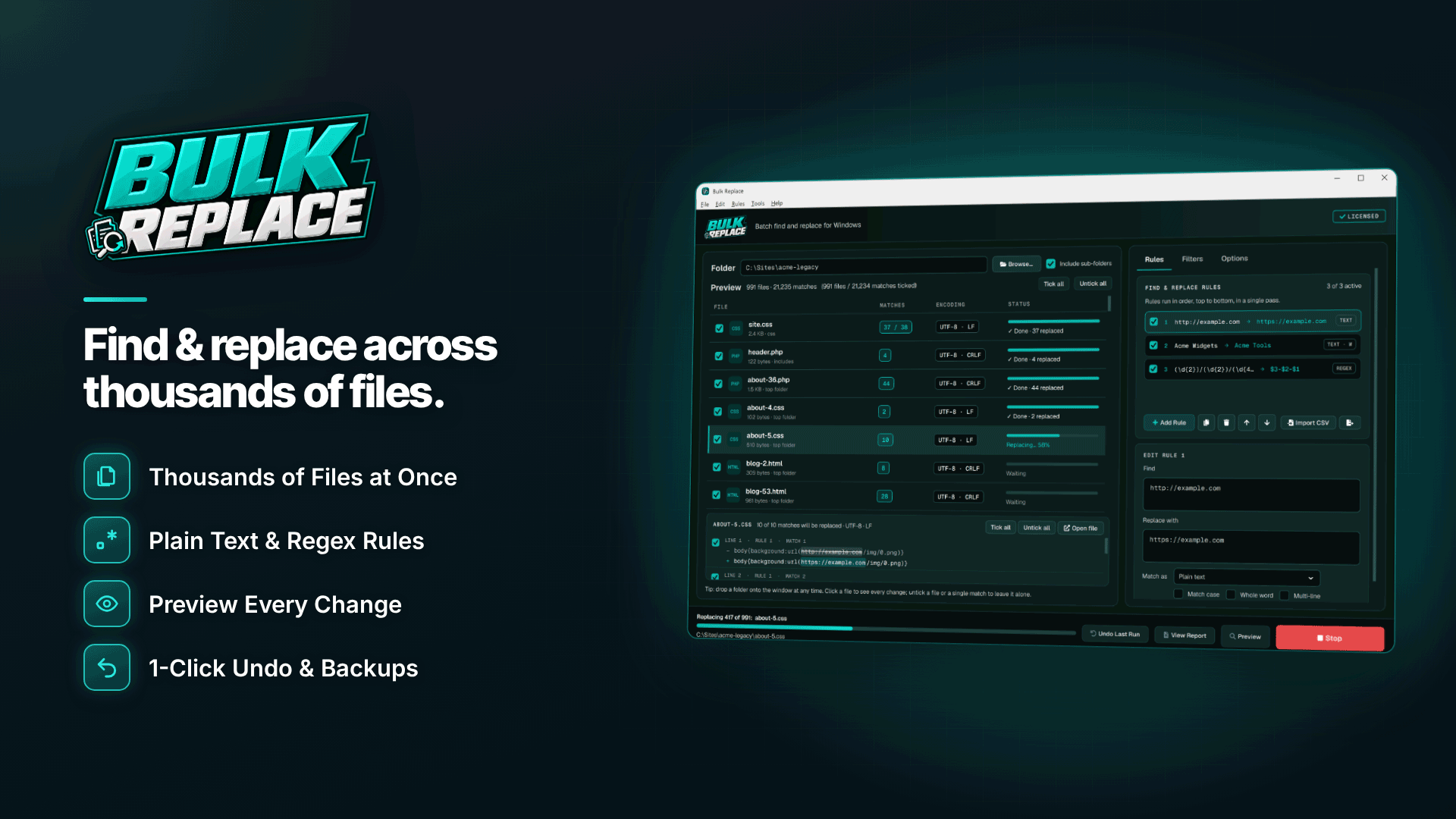
A batch find-and-replace tool can make the same change in hundreds of files in one run. Bulk Replace is a Windows tool for this that works offline on a downloaded folder (including sub-folders), previews every change and keeps a timestamped backup of each file. It runs on Windows 10 (version 1809 or later) or Windows 11, 64-bit, and edits files on your PC only, so you upload the changed files afterwards.
- Filter the files. Include .html and .htm (and .php if your templates use it); skip archive folders you do not serve.
- Write an insertion rule. With regular expression mode, match the opening head tag, for example (<head[^>]*>), and replace it with the captured tag followed by a new line and your CMP snippet. Matching any attributes inside the tag catches pages written as <head lang="en"> as well as plain <head>.
- Preview. The diff preview shows before and after for each file with match counts. Every page should show exactly one match. Pages showing none are usually fragments, includes or pages with an unusual head; deal with those by hand.
- Run. Bulk Replace backs up each file before changing it, and Undo Last Run restores the whole job if needed.
Step 4: remove or replace old analytics code on all pages
Hard-coded tags need to go, or be changed so the CMP controls them. The multi-line option lets one rule match a whole block across several lines, such as an old analytics loader script and its configuration script, and replace it with nothing or with an updated version. Use a non-greedy pattern that starts at the tag's unique URL or ID and ends at the closing </script>, and check the preview carefully, because an over-broad multi-line rule can delete more than you intended.
Where you want to keep a tag but have the CMP hold it back, many CMPs support manual blocking: you change the script's type to text/plain and add a category attribute, and the CMP activates it after consent. The attribute names differ between CMPs, so copy them from your provider's documentation. You can stack these rules (insert the CMP, remove dead tags, retype the tags you keep) and they run in order in one pass.
Order matters: the CMP snippet should come before any other script in the head. If an analytics tag loads first, it can set cookies before the CMP has a chance to block it.
Step 5: upload and test before you trust it
- Upload the changed files to your host.
- Open the site in a private window with your browser's developer tools on the storage and network tabs.
- Before clicking the banner, confirm no non-essential cookies are set and no requests go to analytics or advertising domains.
- Reject, reload and check again; then accept and confirm the tags now run.
- Check a sample of deep pages, not just the homepage.
Keep the CSV change report from each run with your compliance records; it shows when the change was made and which files were affected.
Frequently asked questions
Can I add a cookie banner to a static site without a CMP?
You can write your own, but it has to store choices, block scripts until consent and let people change their mind. For most site owners a CMP is quicker and easier to keep compliant.
Does Google Analytics need consent?
For EU visitors, normally yes. In the UK, the new statistics exception may apply in narrow cases. See is Google Analytics GDPR compliant for the detail.
Do affiliate links need consent?
A plain link does not store anything on the device by itself. Affiliate scripts or pixels on your pages that set or read cookies are a different matter and need consent.
Next steps
Set up and configure your CMP first, then make the site-wide change and test it in a private window. Compare consent and verification providers in the compliance and verification services directory. To insert the snippet and clean up old tags across every page with a preview and one-step undo, see Bulk Replace.


