
If you are wondering how do I fix a corrupted ZIP file from a sponsor or content provider, start by re-downloading it, because most broken packs are simply incomplete downloads. If that is not possible, run the archive through a repair tool that extracts every intact file unchanged and flags the ones that are only partly recoverable. Either way, never work on your only copy.
Below you will find what the common error messages actually mean, a quick triage routine for promo, gallery and content packs, and how to salvage as much as possible when a fresh download isn't an option.
What do CRC and "unexpected end of archive" errors mean?
ZIP and RAR archives store a checksum (a CRC value) for every file inside them. When you extract, the archiver recalculates the checksum and compares it. The errors you see tell you what went wrong:
| Error | What it usually means | Best first move |
|---|---|---|
| CRC failed / checksum error | Some bytes inside a file are wrong: a flaky download, bad drive or faulty USB stick | Re-download; if impossible, repair and keep the files that pass |
| Unexpected end of archive | The archive is truncated: the download stopped early or the upload never finished | Compare file size with the provider's listed size, then re-download |
| Archive is corrupt or not a valid archive | The header or central directory is damaged, or the file isn't an archive at all (for example an HTML error page saved with a .zip name) | Check the file size and open it in a text editor; an HTML page means the link failed |
| Wrong password or encrypted data error | The password is wrong, or the data is damaged where it is encrypted | Confirm the password with the provider before assuming damage |
A ZIP stores its table of contents (the central directory) at the very end of the file. That is why a truncated ZIP often refuses to open at all, even though most of the files are physically present in the part that did download.
A quick triage routine for downloaded packs
- Check the size. If the provider lists the pack at 2.4 GB and you have 1.9 GB, it is a partial download. Re-download, ideally with a download manager or the provider's FTP or direct link if they offer one.
- Check you have every part. Multi-part RAR sets fail if one volume is missing or renamed. See our guide to opening multi-part RAR content packs.
- Test before extracting. Most archivers have a "test" function that checks every CRC without writing files. It tells you how many files are affected.
- Try another drive. Copy the archive to a different internal drive and test again. If errors move around between attempts, suspect your USB stick, cable or drive rather than the pack.
- Ask the provider. Sponsors and content providers deal with this daily. A fresh link or a re-upload is usually quicker than any repair.
Tip: keep the original download untouched in an "incoming" folder and extract or repair into a separate folder. If a repair goes wrong you can always start again.
How do I recover files from a damaged ZIP when I can't re-download?
Sometimes the source is gone: an expired link, a sponsor that has closed or an old pack from your own archive. In that case the goal changes from "fix the archive" to "get every good file out".
A sensible repair routine looks like this:
- Extract the files whose checksums pass, exactly as they were packed, with no re-compression.
- Recover as much as possible of the damaged files, and label them clearly so you don't publish a broken image or a clip that stops halfway.
- Rebuild a clean archive from the result, so you have a tidy, working copy to store.
Images in a gallery pack are usually independent, so damage to one file rarely affects the others. Video clips are bigger, so a single bad section is more likely to land inside one of them; a partly recovered clip may still be usable after video repair.
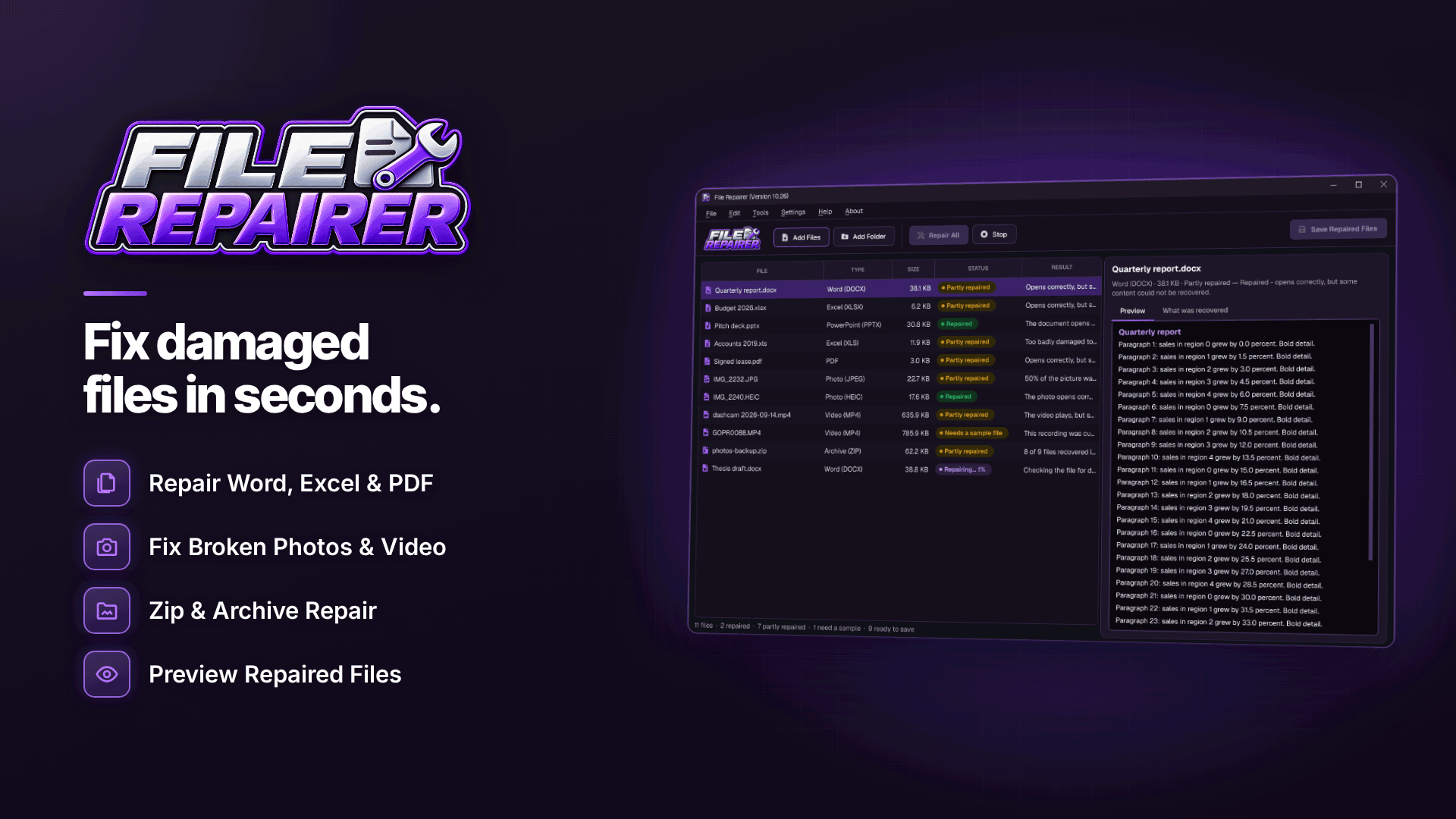
Repairing ZIP and RAR packs with File Repairer
On Windows, File Repairer handles both ZIP and RAR repair. It fixes CRC errors and truncation, extracts intact files unchanged and marks partial files with "(partial)" in the name, so you can see at a glance what needs checking. For RAR archives, it saves the recovered contents to a folder and to a new ZIP.
The workflow for a batch of downloads:
- Point Check Files for Damage at your downloads folder. It scans files or whole folders without changing anything and tells you which packs have a problem.
- Use Repair All to process the damaged packs in one batch.
- Preview the results. Each one comes with a plain-language summary of what was wrong and what was recovered, and a status such as Repaired, Partly repaired or Failed.
- Open the "(partial)" files individually. If a partly recovered video or image won't open, the same software can attempt a video or photo repair on it.
- Optionally save the repair report, which lists results and output locations, useful if a client or business partner asks what was lost.
The software always writes repaired copies with "(repaired)" in the name and leaves the originals alone, and processing is done locally on your PC.
What repair can't do
Repair recovers what is still readable. If a download stopped at 70%, the last 30% of the data was never written to your disk, and no tool can invent it; those files will be missing or marked partial. Repair also isn't data recovery: if you deleted the pack or the drive is failing, you need a different kind of tool.
How to avoid broken packs in future
- Download large packs on a wired connection where possible, and avoid pausing and resuming browser downloads.
- Test every pack as soon as it lands, while the provider's link is still live.
- Keep packs on a healthy internal drive, not an unreliable USB stick.
- Store a clean, tested copy of each pack in your backup, not the raw download.
Understanding what is in each pack helps too. Our guide to adult affiliate promo tools explains how FHGs, embeds and banners are delivered, and paysite affiliate programs covers what sponsors typically supply.
Frequently asked questions
Why won't my ZIP file extract in Windows?
The built-in extractor stops at the first serious error and does not salvage what it can. The archive may be truncated, may use encryption Windows doesn't support, or may contain a damaged file. Test it in an archive tool to find out which.
Is it safe to use repaired images and videos on my site?
Files that pass their checksum are byte-for-byte identical to what was packed. Partial files need checking by eye; don't publish anything that shows grey blocks, glitches or cuts out early.
Can a password-protected archive be repaired?
Only if you have the password. Repair does not bypass encryption, and providers should send the password with the pack.
Next steps
If you run a tube or gallery site, broken packs are a routine part of the job, so build testing into your intake process. Our guide on how to start a tube site covers content sourcing, and you can compare suppliers in the content providers directory.
For the packs you can't download again, a batch check followed by a careful repair usually saves most of the content, and File Repairer lets you see exactly what was recovered before you save it.


